


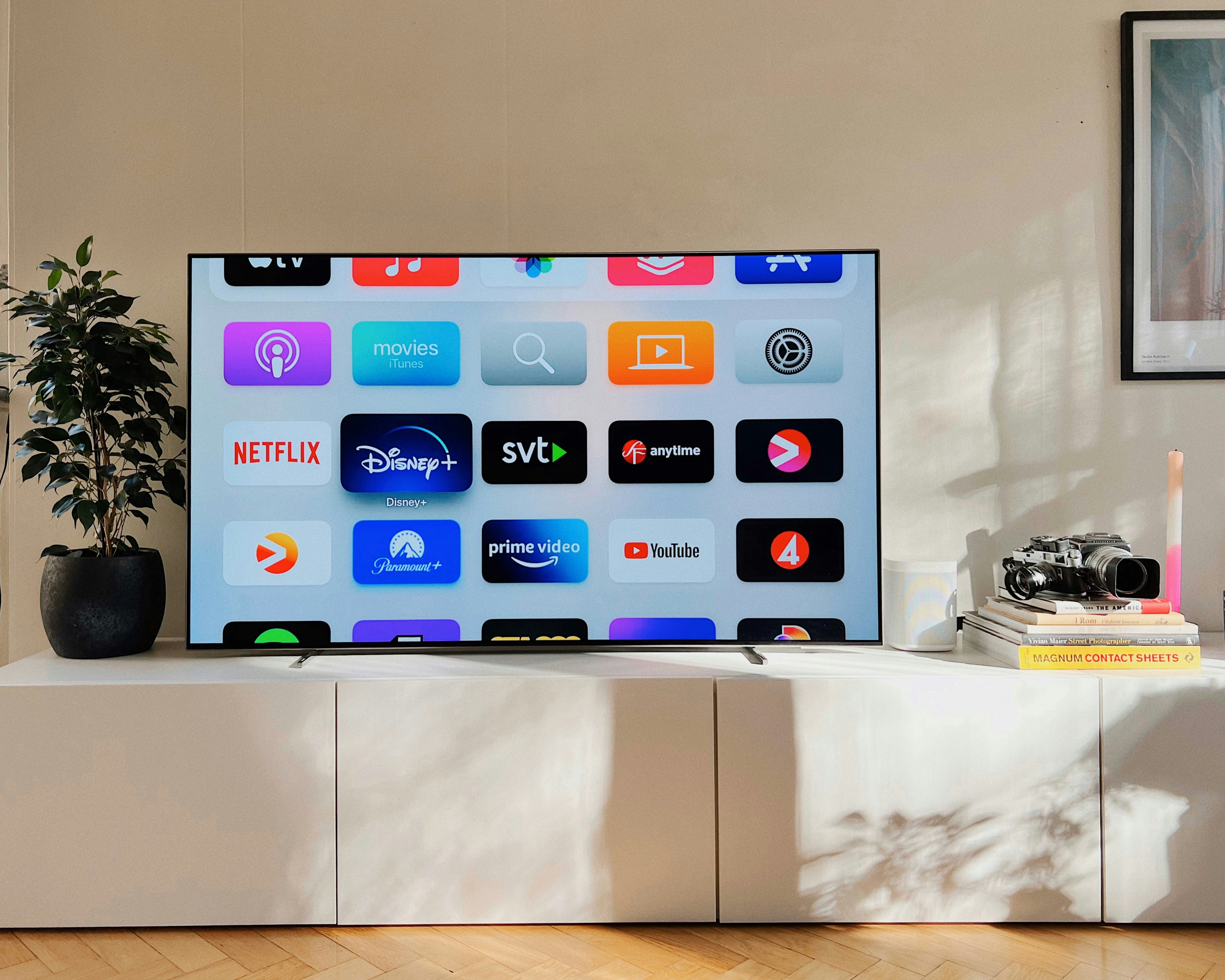
Nobody likes being forced into anything — even small decisions feel wrong when they’re made for us. This is especially true with devices we own, where manufacturers often try to push their preferred software onto users whether they want it or not. This becomes particularly annoying with smart TVs, as LG owners have just found out.
User reports indicate that Microsoft Copilot is treated as a built-in system application rather than a regular program from the LG Content Store. Attempts to remove it through standard app management options fail. This aligns with LG’s documentation, which states that “some applications on the TV cannot be removed.” In practice, this means that Copilot — if added at the firmware level — remains permanently on the device.
The situation is not an accident. LG previously announced — similar to Samsung — that Microsoft Copilot would become an integral part of the software experience on 2025 TV models, presented as a built-in AI feature or system shortcut rather than an optional downloadable app. The current webOS updates suggest that this rollout has now begun.
In the same Reddit discussion, users also pointed out another system feature: Live Plus, which is enabled by default after the update. According to LG’s description, Live Plus identifies on-screen content and uses viewing data to personalize recommendations and ads. The webOS documentation describes it as part of an “enhanced viewing experience,” directly tied to analyzing what appears on the screen.
Some users note that while Live Plus can be disabled by navigating to Settings → All Settings → General → Additional Settings, doing so has no effect on Copilot. The problem is not its visibility but rather the lack of control over its presence in the system. In practice, users who want to limit software intrusion on their TV have only three options: hide the Copilot tile, avoid logging into the service, or disconnect the TV from the internet entirely and rely on an external streaming device.
The Reddit thread also reveals what everyday life with a smart TV looks like. Among the most common complaints are allegations of installing unwanted “bloatware” without user consent, privacy concerns, and the feeling that the TV no longer belongs to the user but instead serves as a platform for promoting the manufacturer’s services. Several commenters note that such practices often lead to older models losing app support over time and gradually “dumbing down,” functioning only as basic video displays.