

Among the six zero-day vulnerabilities are flaws in the operating system kernel and in memory management components. Vulnerabilities of this type can allow an attacker to execute their own code on a targeted machine with elevated privileges or to bypass built-in security mechanisms. Microsoft has assigned these issues a high severity rating, making this update a top priority.
In addition to the zero-day fixes, the patch also addresses a number of other bugs that could lead to system instability, graphical issues and malfunctions in user applications. Some of the vulnerabilities affected networking components, meaning that the update also strengthens Windows systems against remote attacks over the internet and corporate networks.
Why is this important? A zero-day vulnerability is particularly dangerous because attackers do not have to wait for an official fix — they can exploit an unknown flaw before the vendor is even aware of it. In such situations, systems remain exposed until a patch is released and installed. Microsoft’s regular Patch Tuesday security updates are designed to prevent such scenarios and to minimise the time window during which systems remain vulnerable to active exploits.
Cybersecurity experts consistently recommend that Windows 10 users install updates as soon as they are released, especially if their computers are connected to corporate or public networks. Delaying updates increases the risk that attackers will exploit known vulnerabilities before a system is properly secured.
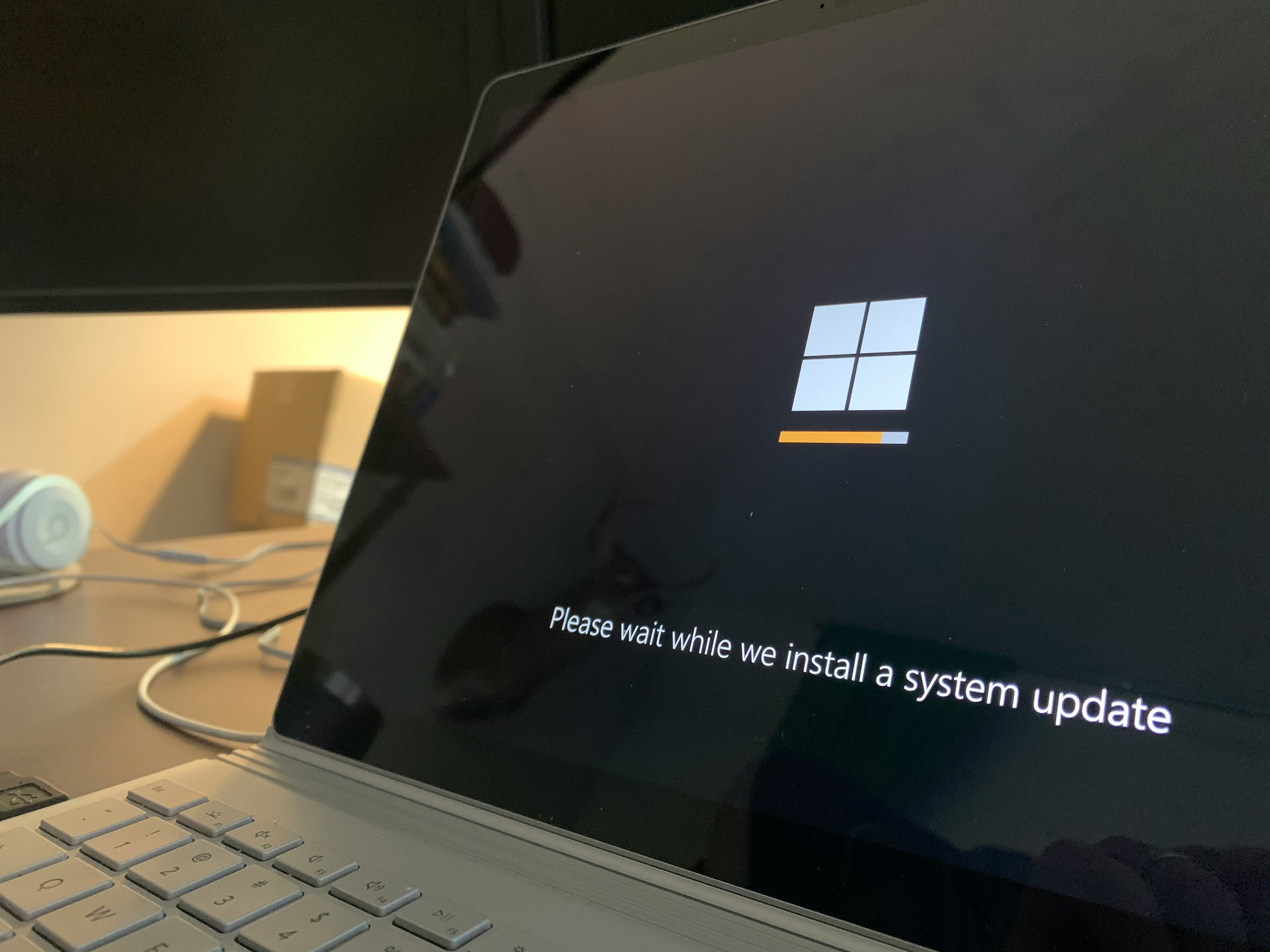
The update can be downloaded automatically via Windows Update — the system will notify users when updates are available or install them in the background if automatic updates are enabled. A system restart is usually required to complete the installation process.
If your computer meets the minimum requirements for Windows 11, upgrading to the newer version of Microsoft’s operating system is considered the best option, as it will be supported for longer than Windows 10 and typically receives security updates more quickly.