


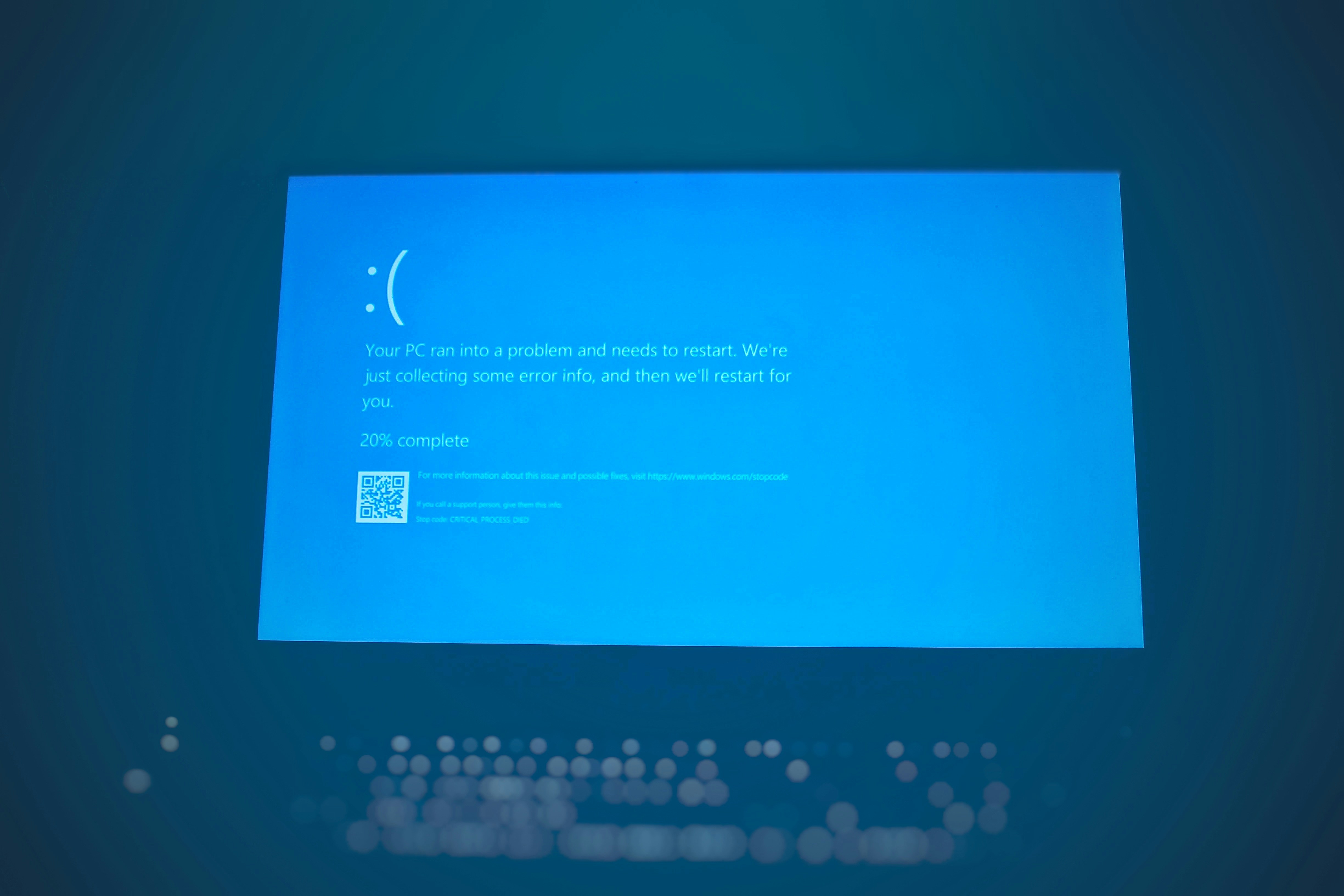
Is your Windows PC not starting and you don’t know what to do? You’re not alone. Microsoft has received numerous reports that some Windows 11 devices may stop during startup with the error “UNMOUNTABLE_BOOT_VOLUME,” meaning the system cannot read critical data from the disk and is unable to continue booting.
According to user reports, affected systems display a black screen with an error message and a prompt to restart, but rebooting does not resolve the issue. Recovery tools or manual uninstallation of the update are required. Microsoft has not yet estimated how widespread the problem is or which hardware configurations are most at risk, stating only that the reports are “limited” but genuine.
The issues linked to update KB5074109 and related patches follow a series of other problems reported in recent weeks, including crashes of cloud-based applications (such as Outlook, OneDrive, and Dropbox), sleep mode failures on some older devices, and shutdown or hibernation problems on PCs using Secure Launch. Microsoft has already released several out-of-band emergency updates (for example, KB5078127) intended to fix some of these bugs, but community and expert reports indicate that issues persist or that new ones are appearing.
For now, affected users must rely on Windows Recovery Environment (WinRE) tools or uninstall the problematic update manually. Microsoft says it is working on further fixes and potential solutions, but has not yet provided a timeline for their release.
Problems with Windows 11 updates in 2026 have been accumulating since the beginning of the year, raising concerns among users and IT administrators who must balance security with system stability. In practice, this means that even though security patches are installed automatically via Windows Update, both corporate and personal devices need to be prepared for possible downtime and the use of recovery tools.
What to do if your Windows 11 PC won’t boot after the update
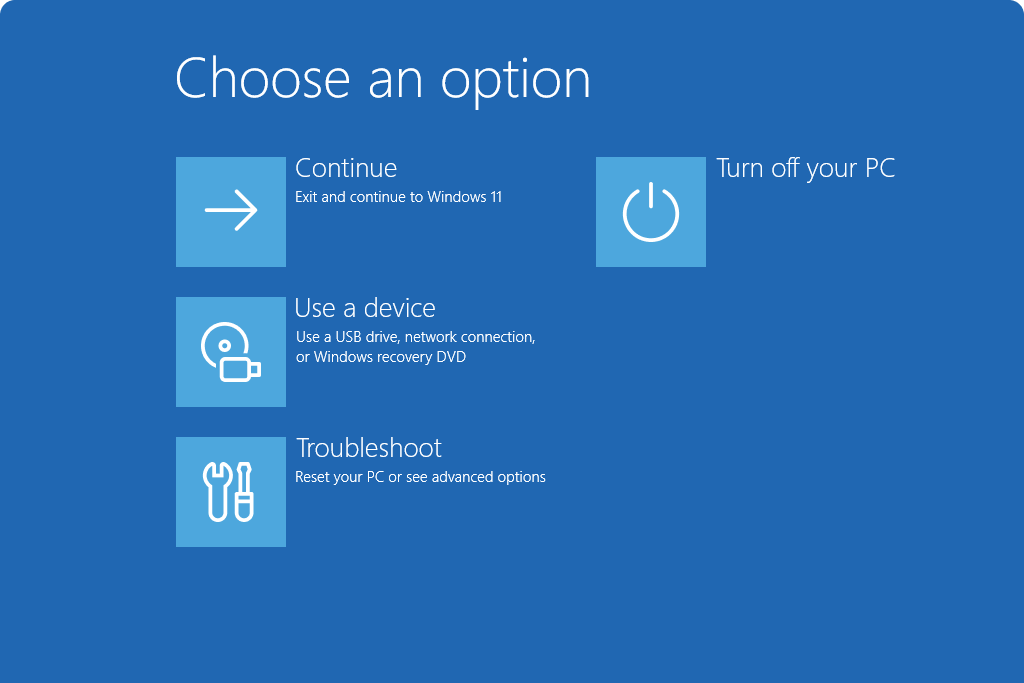
If, after the January update, your system stops on a black screen or shows a startup error, Microsoft recommends using Windows Recovery Environment (WinRE) and removing the problematic patch.
- Force entry into recovery mode
- Turn on the PC and, as it starts booting, hold the power button to turn it off.
- Repeat this 2–3 times. On the next startup, Windows should automatically enter “Automatic Repair.”
- Go to Advanced Options
- Select:
Troubleshoot → Advanced options → Uninstall updates.
- Select:
- Remove the latest quality update
- Choose the option to uninstall the “latest quality update” (the Patch Tuesday update).
- The system will roll back the patch and attempt to restart.
- If the system still won’t start
- In Advanced Options, you can also select System Restore and revert the PC to a point before the update was installed.
- As a last resort, use Reset this PC while keeping your files.
After regaining access to the system, it is advisable to pause updates for a few days (Settings → Windows Update → Pause updates) to allow Microsoft time to release a fix for the boot issue.